

























The West African Examinations Council (WAEC) is expected to release the 2026 Computer-Based West African Senior School Certificate Examination (CB-WASSCE) results for private candidates today, August 4, 2026, as earlier announced.
To check your result, you will need your 10-digit examination number, a valid WAEC e-PIN with its serial number, and either an internet-enabled device or a mobile phone. The WAEC Result Checker e-PIN costs ₦5,000.
Scratch cards bought in previous years are still valid. Each card can be used up to five times but only for one candidate’s examination number.
To purchase an e-PIN, visit WAEC’s online portal, select Buy WAEC Result Checker, choose your examination type, provide the required details, complete the ₦5,000 payment, and your PIN and serial number will be issued immediately.
Candidates can check their results through the WAEC website, the mobile app, or SMS.
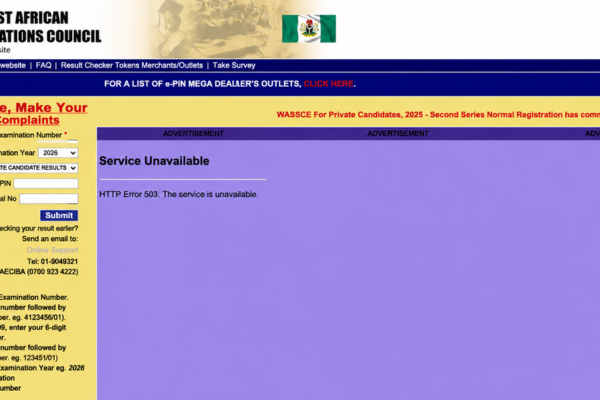
For the website option, visit the WAEC result portal and enter your 10-digit examination number, examination year, examination type, e-PIN, and serial number before clicking Submit to view your result.
To use the mobile app, download the WAEC Result Checker app from the Google Play Store. Enter your examination details, PIN, and serial number to view and download your result.
For SMS checking, type WAEC*ExamNumber (for example, WAEC 4123456789) and send it to 32327 using an MTN, Glo, or Airtel line. Standard SMS charges apply, and your result will be delivered by text message.
WAEC grades range from A1 to F9. Grades A1 to B3 are distinctions and merits, C4 to C6 are credit passes, D7 and E8 are ordinary passes, while F9 indicates failure. Most Nigerian universities require at least five credit passes, including English Language and Mathematics.
If your result is withheld, it may be due to an investigation into suspected examination malpractice. Candidates should contact their school’s examination officer or visit the nearest WAEC state office for clarification.
Candidates who believe their results contain errors can file complaints through the WAEC portal or visit any WAEC state office to request verification or a review.
To avoid delays, keep your examination number and e-PIN ready before the results are released. Following the correct steps will help you access your result quickly through the website, app, or SMS